How Project Managers Can Use AI for Planning Process
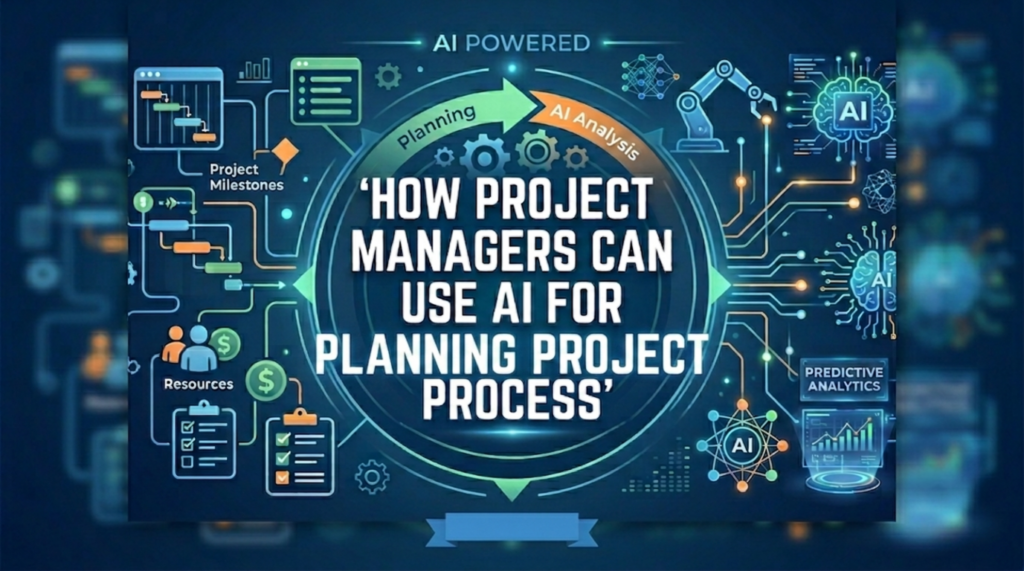
As we know, project management is often 20% strategy and 80% juggling chaotic tasks. Between managing resource availability and trying to predict the future (otherwise known as scheduling), the planning phase is where most PMs lose their sanity. But there’s a new player on the team. It doesn’t sleep, it doesn’t get burnt out and it’s surprisingly good at math. You guessed it, it’s Artificial Intelligence.
If you’ve been hesitant to dive into the world of AI, thinking it’s just for coders or creative writers, think again. AI is rapidly becoming the ultimate assistant for project planners. Let’s break down how you can use it to stop firefighting and start leading.
1. Ditch the Blank Page Syndrome with AI Brainstorming
We’ve all been there, a new project kicks off and you have to build a Work Breakdown Structure (WBS) from scratch. You’re staring at a blank spreadsheet, trying to remember every single task that needs to happen to get from Idea to Launch.
How AI helps: Use Large Language Models (LLMs) like ChatGPT or Claude as your project consultant. Feed them your project scope and ask, Can you outline a comprehensive WBS for a website redesign project, including phases for UX, development, QA, and deployment?
Within seconds, you’ll have a structured list of tasks. While you’ll certainly need to change it to fit your company’s specific nuances, you’ve just saved two hours of staring at a blinking cursor. It’s the perfect skeleton to build your professional muscle onto.
2. Predictive Scheduling: Stop Guessing, Start Calculating
The Optimism Bias is a project manager’s worst enemy. We always think a task will take three days, but it inevitably takes five. AI-powered project management tools (like Asana or specialized predictive analytics suites) analyze data from your past projects. They don’t care about your optimistic estimate, they care about the historical reality.
By analyzing the time it took to complete similar tasks in the past, AI can suggest realistic timelines and identify potential bottlenecks before they happen. It’s like having a project crystal ball that tells you, “Hey, every time we do a database migration, it actually takes 20% longer than expected. Adjust the buffer.”
3. Risk Management 2.0
Risk registers are notoriously neglected. They’re often created at the beginning of a project, shoved into a folder and never looked at again until something blows up. AI can scan your project documentation, emails and Jira tickets to identify patterns of risk. Is a specific vendor always late? Does a particular team struggle with mobile responsiveness?
AI can flag these hidden risks by identifying dependencies and patterns that a human eye might miss. It can even suggest mitigation strategies based on how similar risks were handled in the past. It turns risk management from a once and done task into an automated, watchful eye over your project health.
4. Resource Allocation Without the Headache
The puzzle of Who is available, and who is already maxed out? is one of the most frustrating parts of resource management. If you’re still doing this via manual color coding in Excel, you’re doing it the hard way. Modern AI integration in resource management software can automatically balance workloads. If a team member is overloaded, the AI can propose alternative task assignments based on team skills, availability and current project priorities. It ensures you aren’t burning out your star player while someone else has a light load.
5. Automating the Admin
How much of your day is spent writing status report summaries, updating task statuses or manually emailing stakeholders? If the answer is too much, AI is your new best friend.
How AI helps:
- Meeting Notes: Tools like Otter.ai or Fireflies.ai can join your project syncs, take notes and most importantly extract action items. You don’t have to waste time typing up minutes, you just assign the tasks the AI identified.
- Status Reporting: Instead of manually pulling data for your weekly update, AI tools can synthesize project progress and draft a report for you. You just review, click send, and head to the coffee machine.
Dealing with the Elephant in the Room: Will AI Replace You?
This is the big question. Let’s set the record straight, AI will not replace project managers. Project management is fundamentally about human connection, negotiation, emotional intelligence and leadership. An AI can tell you that a task is behind schedule, but it can’t sit down with a frustrated team member, understand why they’re struggling and motivate them to get across the finish line.
AI is an augmenter, not a substitute. It handles the data-heavy, repetitive and administrative parts of the job so you can focus on the “Project Management” part which is the people, the process and the vision.
How to Get Started?
Don’t try to overhaul your entire workflow overnight. Start small:
- The Brainstorm: Next time you start a project, use ChatGPT to generate an initial task list.
- The Meeting: Use an AI transcription tool for one recurring meeting and see how much time it saves you on recaps.
- The Data: Check if your current PM software has AI features that you’ve ignored in the settings menu. Turn them on and experiment.
Conclusion
Planning projects is hard. It’s complex, messy and prone to human error. AI isn’t a silver bullet that will make every project run perfectly, but it is a superpower that can remove the administrative drag.
By letting AI handle the spreadsheets and the data analysis, you’re freeing yourself up to do what you do best which is to lead your team, solve the complex problems that require a human touch, and actually enjoy the process of getting things done. You can check out this project management training program that discusses the application of AI tools in project planning with some real examples and case studies.
So, go ahead and give the robots a seat at the planning table. Just make sure you’re still the one calling the shots.